Showing posts with label FREEBIE. Show all posts

March 8, 2015

Do you Kahoot!?

Kahoot is one of my favs and I absolutely LOVE it!  So what is Kahoot?  It is a fun and engaging classroom response system set up as a game between students.
This game created on the Kahoot platform consists of multiple choice questions on any topic.  Use computers or mobile devices to create and play.  Create your own questions or search the public Kahoots for one that is all ready to go.  You can even copy a public Kahoot and edit the questions to your liking. 

So, how do you begin?  Start by visiting the site https://getkahoot.com/ and create a free account.


Click New Kahoot to create your own or Public Kahoots to search for one on your topic. Walk through the steps to add, edit, delete or reorder questions.  Once you've created a Kahoot you are ready to play.  Connect to a projector with your computer or mobile device and click play on your Kahoot.  


Students connect through a different website.  Have them use https://kahoot.it/.  On our iPads, I added this site to the Home Screen so it is easily accessible.  Students will see your Pin for the game on your screen and add it to their site to join the game.  They will add their name on the next screen.

Your screen...

Their screen...


 Once you begin the game, your projected screen will show the question....


Students will read the question on the screen and the answer choices.  They will choose the answer on their device.  It will look like this...


As the play continues, students earn points for correct answers and the top 5 students are shown after each question.  At the end of the game, you can download reports that show lots of desegregated data.  

I created a Kahoot on money for a 2nd grade class.  Feel free to take a look and use this Kahoot in your class!  
Click {HERE} to access this Kahoot. 


Have fun playing!

post signature

October 9, 2014

Top 10 Tech Tools: #2 Prezi

#2 is Prezi!

Prezi is an awesome modern presentation tool! One of its best aspects is that it is cloud-based which means you can access, edit and present from anywhere you have an Internet connection. An app is also available for mobile devices. Different than most presentation tools, Prezi's interface uses a single "page" or board and a zooming feature that allows the user to visually explain how concepts relate to one another. There are also tons of great professional templates to get you started.
 
I've used this tool with several classes and for various projects.  The students love, love, LOVE it!  It is so easy for them to learn and use. I have used this tool with third graders to create presentations on famous Americans.  Fourth grade students created presentations on famous Virginians in the Virginia Studies standards.  Last spring, 6th grade students created presentations for SOL review on language arts topics.  There are endless ways to use Prezi.  Be sure to check it out for yourself!
post signature

August 12, 2014

Top 10 Tech Tools: #1 Nearpod

It's almost Back to School time, so it's time for me to share my Top 10 Tech Tools with you.  Hopefully you will find at least one that you LOVE and want to implement in your class this year.


So, here we go...
#1 on the list is Nearpod
I LOVE this tool!  Nearpod is both an online tool and an app.  This tool is a creative way to present to your students.  Create a presentation within Nearpod or upload a PowerPoint or pdf file.  You can even choose a presentation from the Nearpod library and use as is or edit it to make it your own. 
 
There are several great things about this presentation tool... First, you can make it interactive!  Within your presentation, add polls, quizzes, open-ended questions or have your students draw a response.  Second, you control your when and what your students see on their computers or devices.  As you move through the presentation on your device, the "slides" automatically move for your students on theirs.  If you have a mobile device (tablet or phone), you can move around the classroom as you present to your students.  Next, is the ability to access and download reports which makes it a great assessment tool!  Want your students to be able to access the presentation from home?  No problem.  You can also assign it as a Homework session.  If you'd like to learn more, check out this great video on Nearpod
 
 Stayed tuned for the next 9 on my Top 10 list! :)
post signature

March 3, 2014

1, 2, 3... An App-tastic Monday!

Well, we are home today with yet another snow day...  Living in southeast VA, it is quite unusual for us to miss more than maybe one or two school days a season, but today is our 6th day home this winter so far!  Wow!  What a strange winter this has been.  Yesterday my husband and I took a walk at the park to enjoy the nice 70 degree weather and today we get ice and snow.  Gotta love Virginia weather.  I'm guessing we will be home tomorrow too since our streets are still a sheet of ice.

I recently found some new apps I have shared with my teachers, so I thought you might like them, too. 
 
#1  The first is Tellagami.  Create awesome animated videos called a "Gami"!  Students create an avatar using the simple tools in the program.  They can either choose a background in the free pack, draw their own background, or upload one from the iPad library.  Then students can type what they want the avatar to say and choose a voice or they can record their own voice.  I can see students uploading pictures of historical events or places and then talking about them!  The video can be shared via email or social network or can be downloaded to the iPad library.  I am getting ready to work with classes who are studying famous Americans and I hope to use this app with them. 
 
 
Click this link to see a Gami that I created for my teachers.
 
#2  The second is ChatterPix Kids.  ChatterPix Kids can make anything "talk".  Import a photo, drawing, or clipart, draw a line for a mouth and record your voice.  The app will create a video of your person or object talking.  So, how can you use this?  Have your students draw a character from a book, then have the character "talk" about the book.  Or use pictures of famous people recording facts about that person.  I'm sure you will come up with some great ideas for using this app! 
 
 
#3  The last app I want to tell you about today is an awesome fractions app called Fractions by Brainingcamp.  This FREE fractions app has everything you need for teaching and learning.  For each topic there is a narrated lesson, practice questions, virtual manipulatives and a challenging game.  Students can "write" on the app like a white board as well as manipulate fractions pieces.
Topics covered include:
  • Fractions Intrroduction
  • Equivalent Fractions
  • Common Denominator
  • Comparing and Ordering Fractions
  • Adding and Subtracting Fractions
  • Multiplying Fractions
  • Dividing Fractions


I hope you get some use out of these apps.  Enjoy your snow day if you are having one after this storm.  Since I started this post, I have received "the call" that we will be home again tomorrow.  

post signature

January 30, 2014

"App"solutely Cool Tools

I've been off from school for the past 2 days enjoying the SNOW we got here in southeast VA!  It snowed about 6 inches here in Gloucester after getting about 3" last week.  This is really unusual for us.  We usually get a good snow like this once every couple of years and we've had 2 within a week!  Crazy!  But we are loving it.  And... I just got word that we are off again tomorrow.  Last week we only saw students for 1/2 a day Tuesday (Friday was a teacher work day) and this week we only saw them on Tuesday (Monday was a work day).  As much as I love the days off, I'm sure I won't be loving them when we have to make the days up.  Oh well... :)  My co-teacher and I are working on this big project... the book trailers I talked about in an earlier post.  At this rate, it'll be March before we finish them, but I promise to post about them soon.

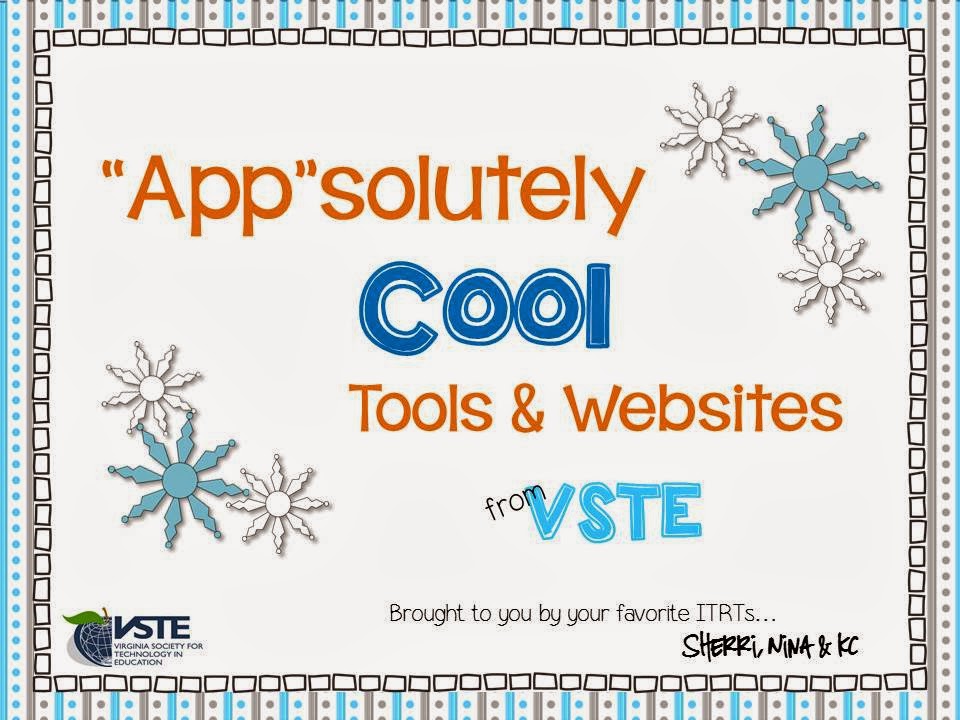
I've been saying to myself over the last few weeks that I really need to share the resources I obtained from our annual state technology conference on this blog, so here goes...  Back in December we attended the VSTE conference.  VSTE is the Virginia Society of Technology in Education and I LOVE going to this 3-day conference.  I always learn so much and come home rejuvenated!  My colleagues and I created a document that we shared with our teachers with all the resources we learned about.  There are many great apps and websites in this document.  I hope you are able to find several that you can use.  Click on the picture below to access and download the document.

https://drive.google.com/file/d/0B7eFGgIVwEHgOXlHd1hWY2g1eU0/edit?usp=sharing
 
 
Some of my favorites are EduCreations, NearPod, Poll Everywhere and Socrative.  I also love the website Interactive Sites for Education.  This site has a great listing of K-5 online, interactive, educational games and simulations all in one place.  It's awesome!
 
Enjoy these resources!
post signature

July 19, 2013

Look What's NEW!


I am so excited about my newest creation on Literary Genres!!!  Several years ago when I was teaching 3rd grade I created a bulletin board that resembled a graphic web of the genres to help my students learn about fiction and nonfiction types of literature.  It was very basic looking so I decided to spruce it up some.  It ended up turning into a bulletin board set of 3 different sizes as well as an advance organizer, a sort for students, a concentration game, Bingo boards and reading slips!  Wow!  I guess I got a little carried away.  

The set includes a bulletin board set in 3 different sizes.  The large size is full page and has the genre name and description.


The medium size is half page and has the genre name on one half page and the description on another half page.  One way to arrange this on a board is to fold a piece of cardstock in half like a card and glue the genre name on top and the description on the inside.  Students can lift the “flap” to read the description. 


The smallest size is the perfect size for book bin labels.  They have the name and description on separate labels.  


I’ve also included an advance organizer for students to glue in their reading notebooks, some bulletin board ideas and book slips for arranging the genres and slips.  


4 Reading Bingo cards are part of this set.  Use them monthly or quarterly for students to keep track of which genres they have read.


Students can complete the Genre sort and play the concentration game!  And as a special thank you for checking out my blog, I’ve included the Genre sort as a FREEBIE!

You can purchase the full product in my Teachers Pay Teachers or Teachers Notebook stores.

Thank you SO much!
Sherri